
FOR SCREENING HOSTS
How to Host a Filmmaker Q&A After a Documentary Screening
Give the audience a better conversation after the credits with a clear moderator brief, thoughtful questions, realistic timing, and a plan for audience participation.
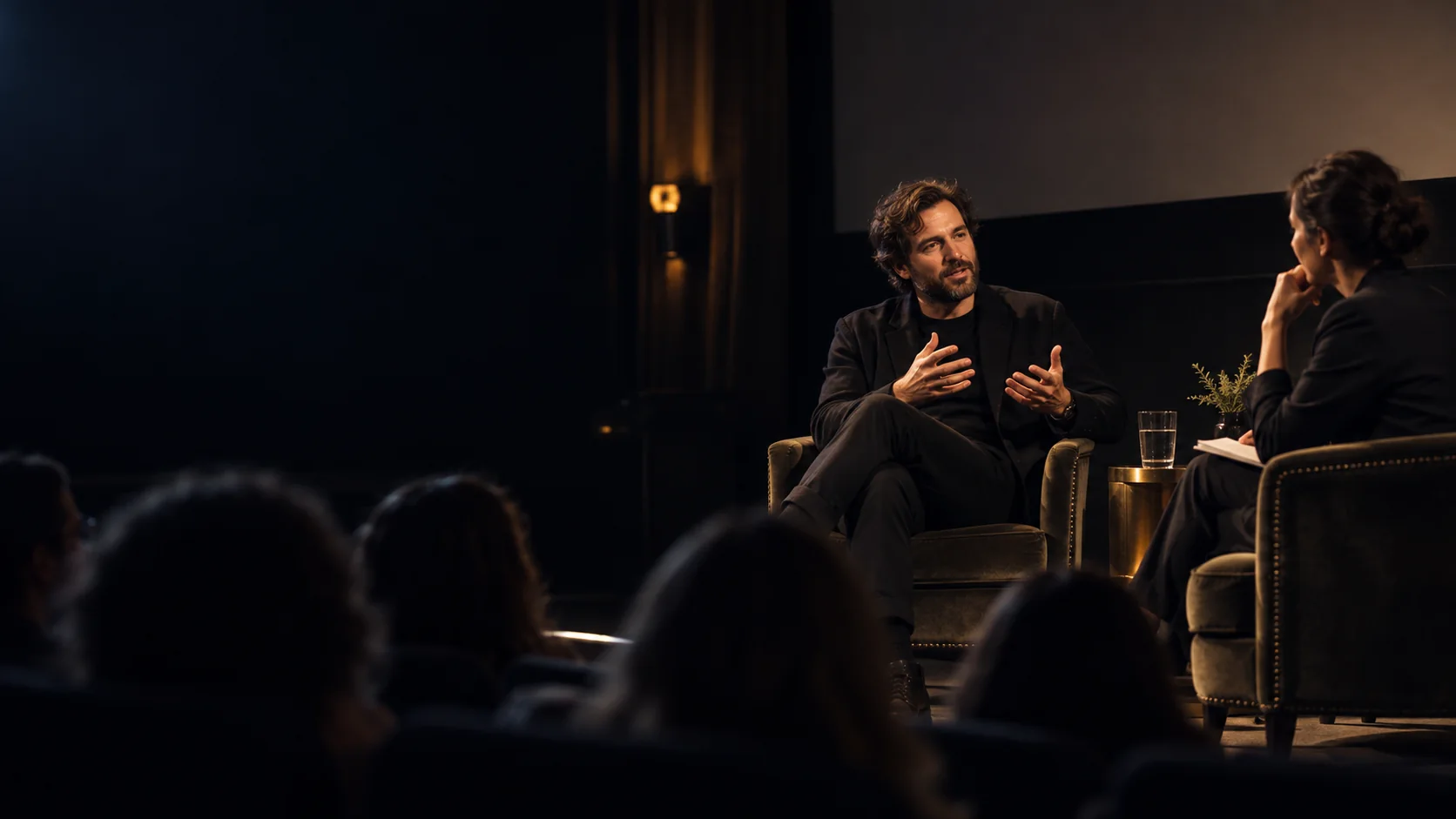
A filmmaker Q&A can reveal the choices behind a documentary and let viewers ask what the film left open. It works best when the conversation grows from the story people just watched, rather than becoming a second introduction to the film or a long list of promotional talking points.
The host's job is to prepare the guest, protect time for the audience, and make the room comfortable enough for honest questions. This guide covers a live conversation after an in-person or online screening, from the first invitation to the final follow-up.
1. Decide what the audience should learn
A good Q&A has a focus. You might explore how the film was made, why a participant chose to speak, what changed during production, or which questions remain unresolved. Choose one or two threads that fit the documentary and the audience. A premiere for supporters may need a different opening from a classroom or community screening.
Do not promise access to a person or topic the guest cannot discuss. If the subject is sensitive, tell the moderator where the filmmaker's expertise ends and where the conversation should not ask a participant to speak for an entire community. A clear brief helps the guest prepare without scripting every answer.
2. Brief the filmmaker and moderator separately
Confirm who is joining, how their name and role should be introduced, the time they need to arrive, and whether they will appear on camera or on stage. Send a short run of show with the start and end time, the first two questions, who will collect audience questions, and a contact for technical problems. Ask the filmmaker about subjects they cannot cover because of privacy, distribution, or unfinished work.
Choose a moderator who has watched the film and can listen closely. Their role is to connect answers back to a scene, invite a follow-up when an answer is vague, and move on when time is short. They should know how to pronounce names and how to interrupt kindly when a response needs to end.
3. Set the viewing and recording boundaries
Permission to screen a documentary does not automatically include permission to record the Q&A, rebroadcast it, or use clips in promotion. Agree on those uses with the filmmaker and any other speakers before the event. If you plan to collect audience questions on video or audio, tell guests in advance how their contributions may be used and offer a way to ask without appearing in a recording.
For online events, check the terms for the film, the viewing platform, and any replay window. A personal streaming subscription is not a substitute for group screening rights. Keep the agreed scope in writing and avoid advertising a replay until everyone involved has approved it.
Check screening rightsA 35-minute post-film Q&A
This starts after the credits. A short, well-moderated conversation can be more satisfying than an open-ended session that runs past the advertised finish time.
| Segment | Time | Purpose |
|---|---|---|
| Reset | 3 min | Give the room a moment and introduce the guests. |
| Opening | 5 min | Ask one specific question about the film's central choice. |
| Conversation | 12 min | Explore two or three prepared themes with the filmmaker. |
| Audience | 10 min | Take clear questions from the room or online chat. |
| Final question | 3 min | Name one open question or useful next step. |
| Close | 2 min | Thank guests and explain any follow-up. |
4. Start specific, then open the floor
Begin with a question about a moment viewers just saw. Ask what the filmmaker was trying to understand, what changed during filming, or why a scene was included. These questions usually lead to a more useful answer than asking for a broad summary of the entire project. Give the guest space to answer, then ask one follow-up before moving on.
Tell the audience when questions will open and how to submit them. In a room, a host can repeat each question so everyone hears it. Online, a helper can group similar questions from chat and pass them to the moderator. Prioritize clear, relevant questions; the moderator can decline one that asks a guest to disclose private information or speculates about people who are not present.
- Which scene changed your understanding of the subject while making the film?
- What did you decide to leave out, and why?
- Was there a moment when a participant challenged your initial view?
- What question do you hope viewers keep asking after tonight?
5. Close with a useful next step
Leave time for one final question about what the filmmaker hopes viewers will keep thinking about. Thank the filmmaker, moderator, partners, and audience without turning the last minute into a sales pitch. If there is a relevant next step, make it specific: a discussion resource, another screening, a partner organization, or the filmmaker's own work.
Afterward, send a brief thank-you and any links promised during the conversation. Share a recording only within the permission you agreed beforehand. Ask the guest what worked and what they would change; that feedback will improve the next event more than a count of how many questions were asked.
Frequently asked questions
How long should a filmmaker Q&A last after a documentary?
About 30 to 40 minutes works for many screenings. Choose a length that fits the film, guest availability, and audience, then reserve a real portion of it for audience questions.
Who should moderate a documentary Q&A?
Choose someone who has watched the film, knows its context, can ask concise follow-ups, and can keep the conversation on time. The filmmaker should be able to focus on answering rather than running the event.
Can we record and share the Q&A afterward?
Only within the permissions you have agreed with the filmmaker and other speakers. Tell audience members if their questions may be recorded, and check any screening or platform terms that apply to the replay.
What if no audience member asks a question?
Keep two or three extra questions ready. The moderator can use one while the audience gathers confidence, then invite questions again. An online host can also collect questions privately through chat.